Rich link previews for code searches and file links in Slack
Sourcegraph search and file links now unfurl with rich previews in Slack.

Sourcegraph search and file links now unfurl with rich previews in Slack.
Sourcegraph code search and file links shared in Slack now automatically unfurl with rich previews, giving your teammates instant context without leaving Slack.
When you paste a Sourcegraph search URL or file link into a Slack channel, you'll see a preview that includes relevant details like the search query, repository name, file path, and code snippets. This makes it easier for teams to discuss code and search results directly in Slack conversations.
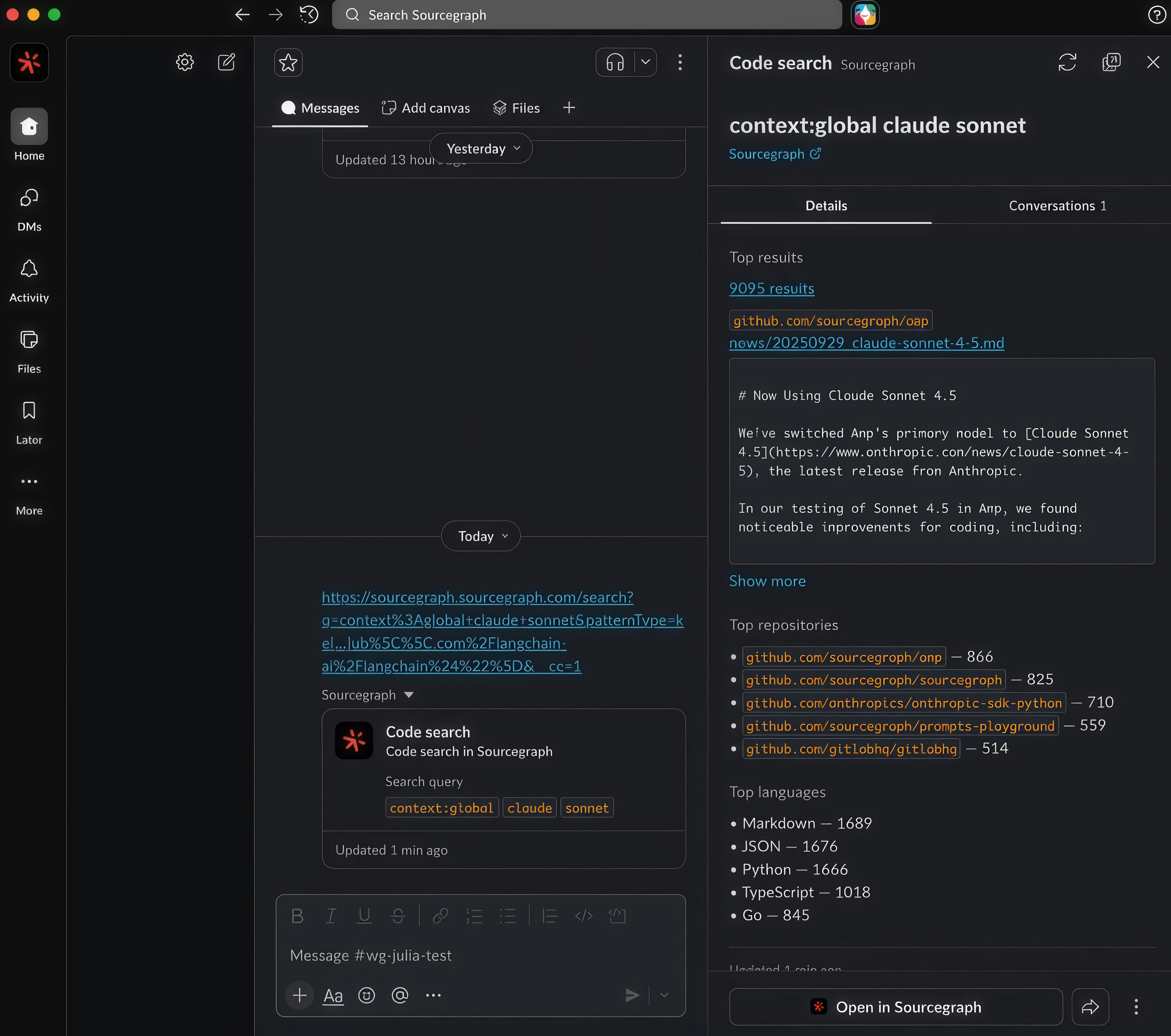
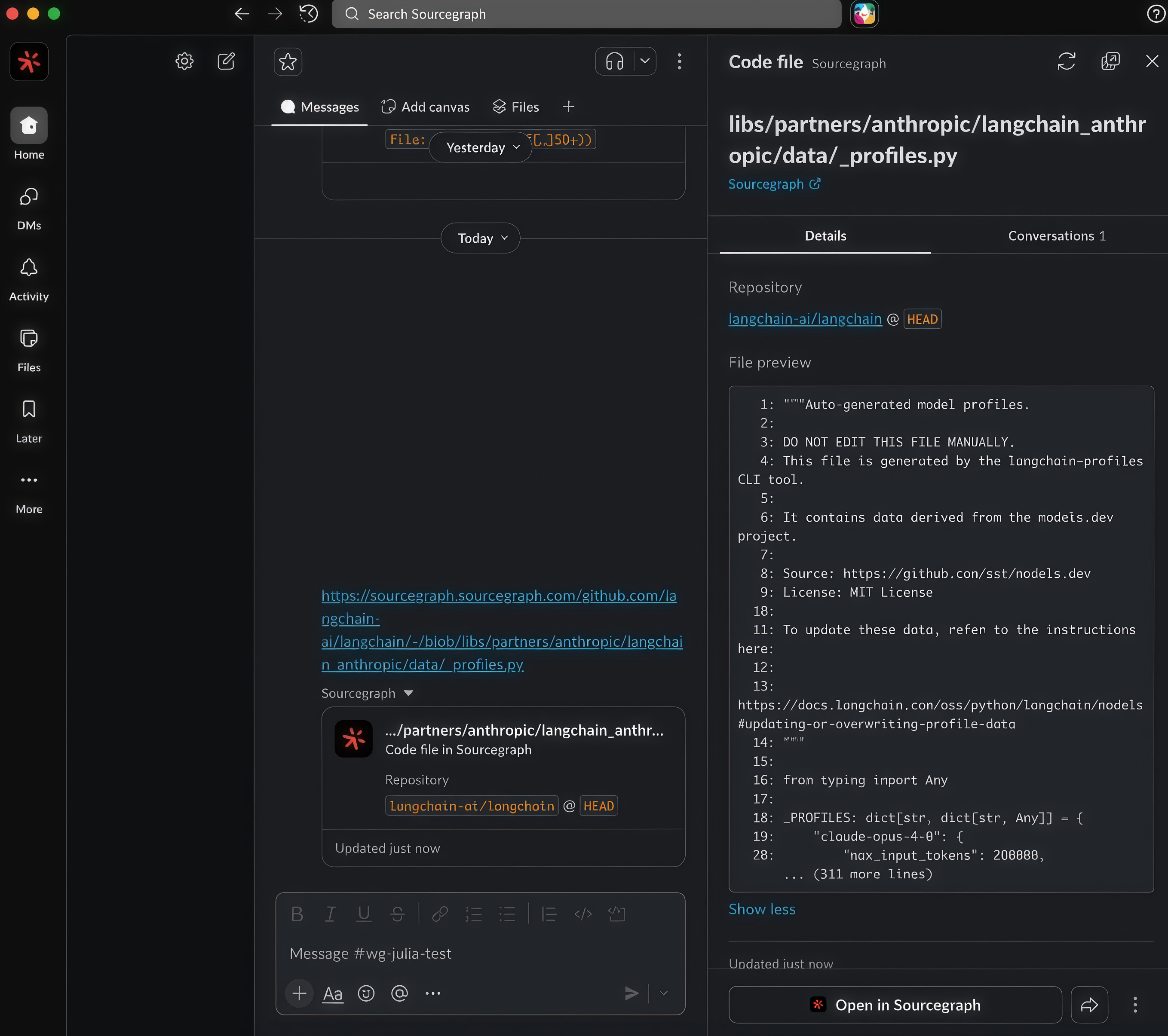
To enable rich link previews, set up the Sourcegraph Slack integration for your workspace via Administration → Slack integration.