Every software engineer working for a large organization hits the same wall eventually. A new hire opens a 10-million-line monorepo on day three. A platform engineer needs to trace a request across seven services. A tech lead inherits a project whose original author left two years ago. Nobody knows where to start reading.
Deep Search is built for those moments. Ask a natural-language question about your codebase and Deep Search runs a real, multi-step investigation: searching, reading files, following references, checking history. It returns a cited answer that lists the exact files and searches it used, so you can verify everything and keep digging.
Below are four examples of how engineers are using Deep Search to get unstuck on code they didn't write.
Understand unfamiliar code
How does authentication work in this repository? Walk me through the flow from an incoming request to a resolved user.
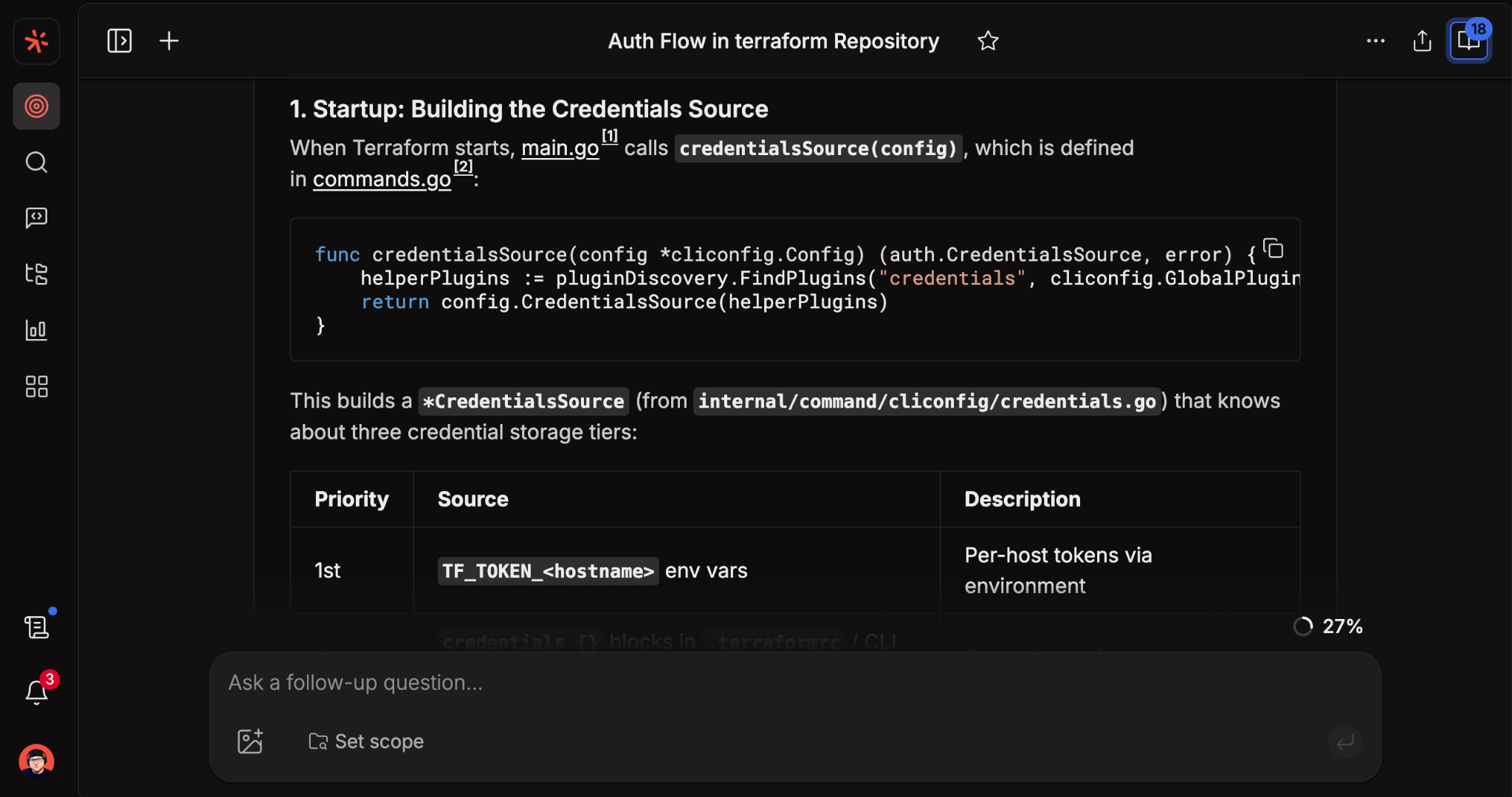
This is the first question every engineer has on a new repo, and keyword search can't answer it. Deep Search starts broad, follows the most promising file, jumps to referenced symbols, and builds a model before answering. Every claim points to a specific file, so the answer is also a map for further reading.
Trace change across history
When was the rate-limiting middleware last modified? Show me the last few commit diffs and explain what changed and why.
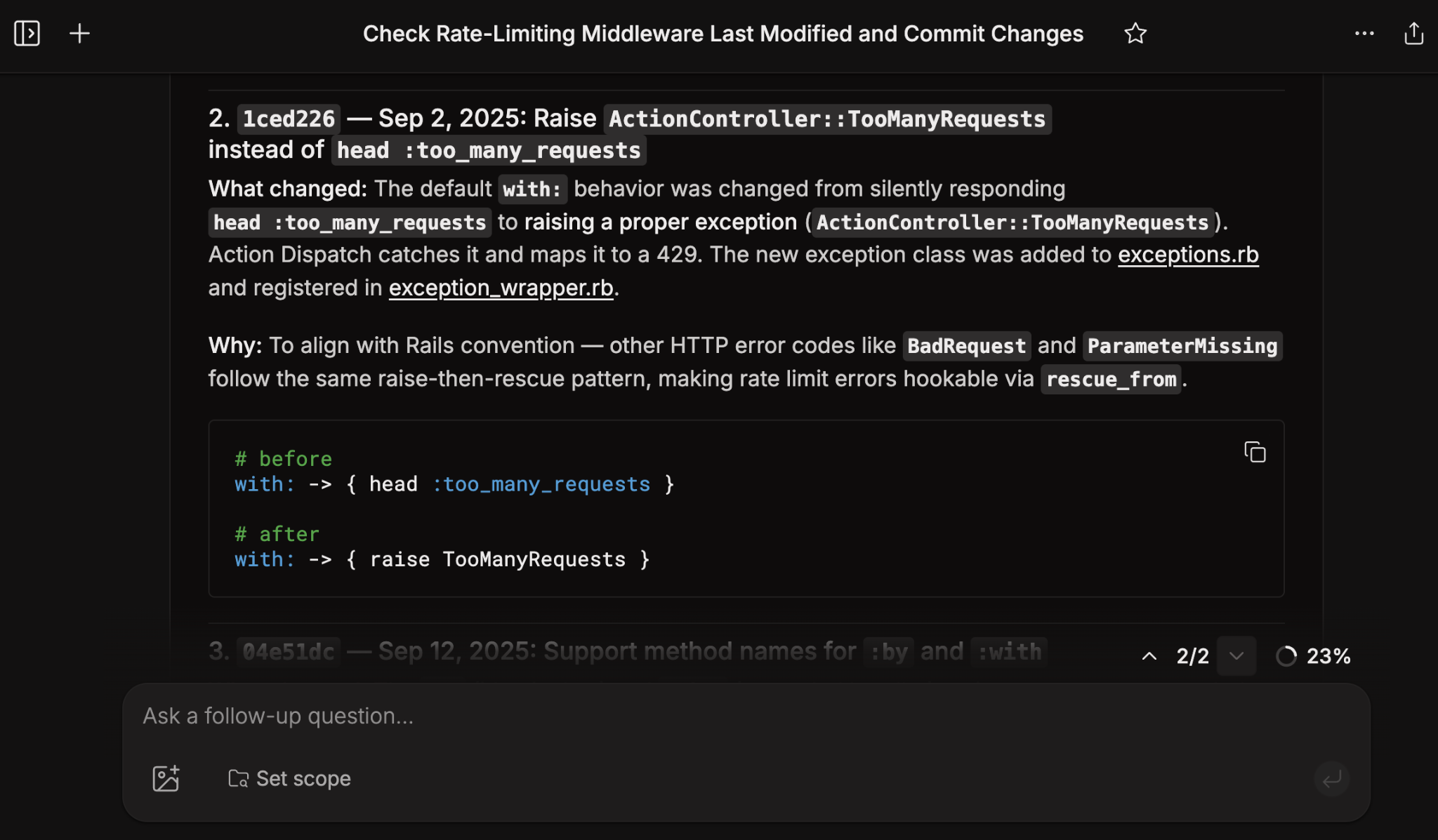
"Why is this code the way it is?" is one of the hardest questions in software engineering. Deep Search combines code search, blame, and commit history into a single query, so you can pull historical context in seconds instead of chaining git log, git blame, and ten browser tabs. For engineers inheriting code or investigating an incident, that gap is often the difference between a safe change and a regression.
Map architecture across repositories
How do requests flow from our frontend to our search backend? Include any relevant services in between, and show the API boundaries.
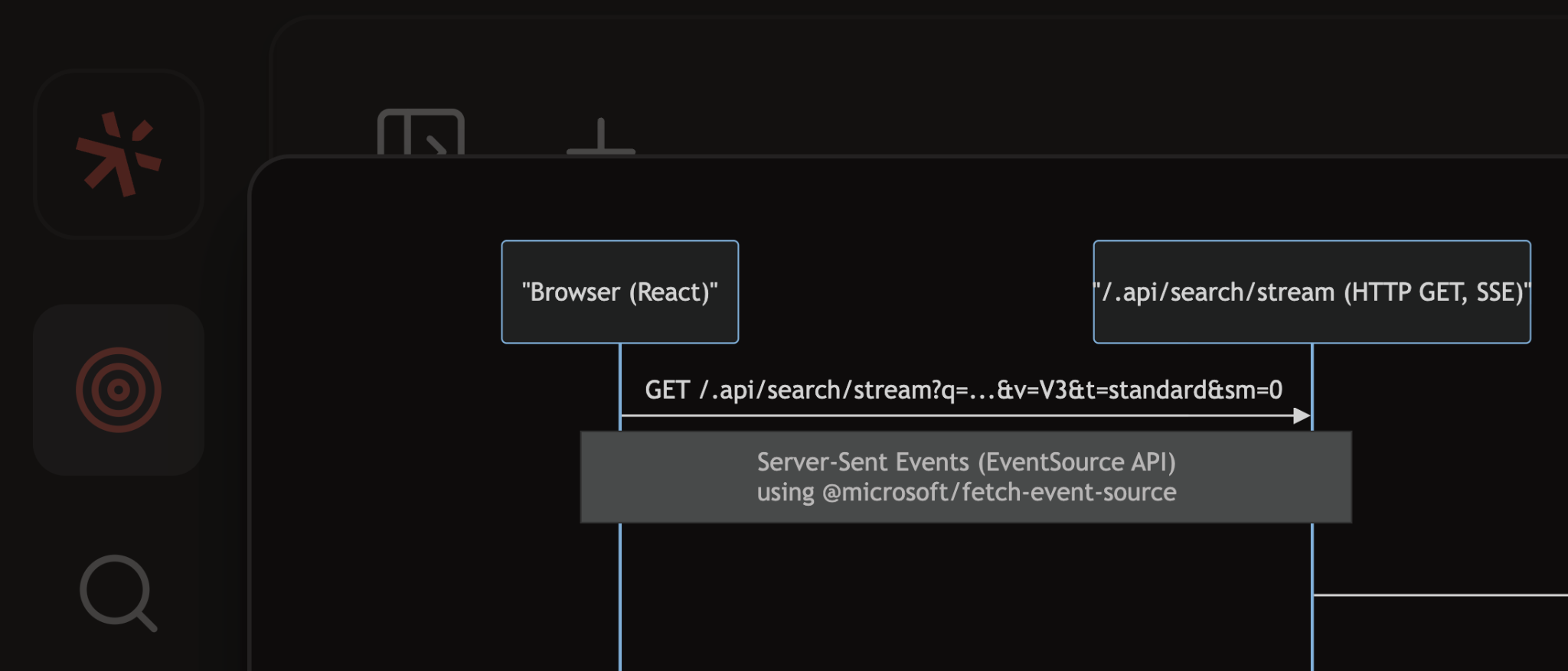
Architecture lives across repos, and no single file tells the whole story. Deep Search reasons across every repository connected to Sourcegraph, which makes it a fit for the system-level questions that come up on platform and infrastructure teams. When prompted, it generates diagrams directly in the answer, which works well for design docs and onboarding guides.
Audit a pattern across the codebase
Show me every place we call an external LLM in this codebase, grouped by provider. Call out anything that isn't going through our shared client.
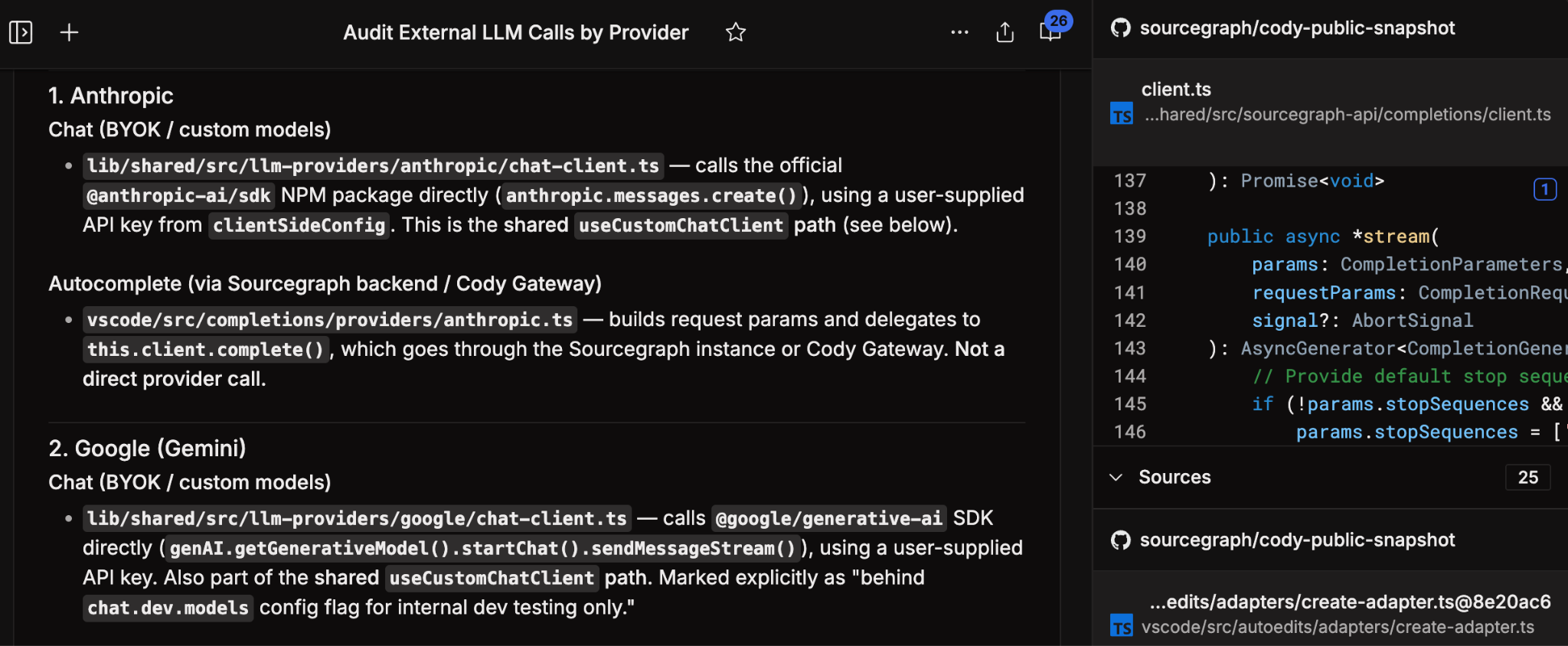
Questions like "where else do we do this?" or "what's not following the convention?" are how engineers catch bugs, enforce standards, and plan migrations. They're also where natural-language search beats grep, because the pattern is usually a concept, not a string. Deep Search runs multiple searches, reads the shared abstraction, and flags outliers against that baseline. It's a natural first step before kicking off a Batch Change to apply a fix.
Try it on your own code
If you want to see how Deep Search handles questions from your repos, get started. Bring the hardest "where does this happen?" question you've been carrying this week. That's the one worth testing it against.